|
|



|

This is a screen shot of Standby Server actually running In X-windows
on Redhat 7.2 Professional as it maintains a mirror of 13 gigabytes
of data. The two open shell windows dynamically show the sync
and ping activity so you can visually verify current activity.
Standby Server not only constantly pings the main server to check
for layer three connectivity, but it also does a file retrieve
every few minutes to insure that application layer 7 is still
functioning as well. This is how Standby Server determines whether
it needs to take over file serving functions for the main server.
All activity is completely transparent to the user. If the main
server fails and the standby server takes over, users are completely
unaffected and can continue working without interruption.
For a larger image view, click
on the thumbnail. |
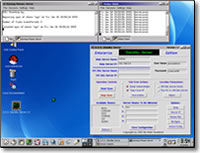
SOS Standby Running
|
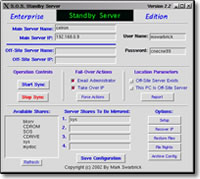
SOS Standby Command Center
|
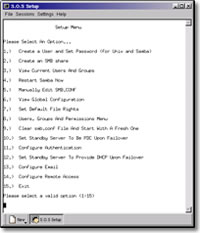
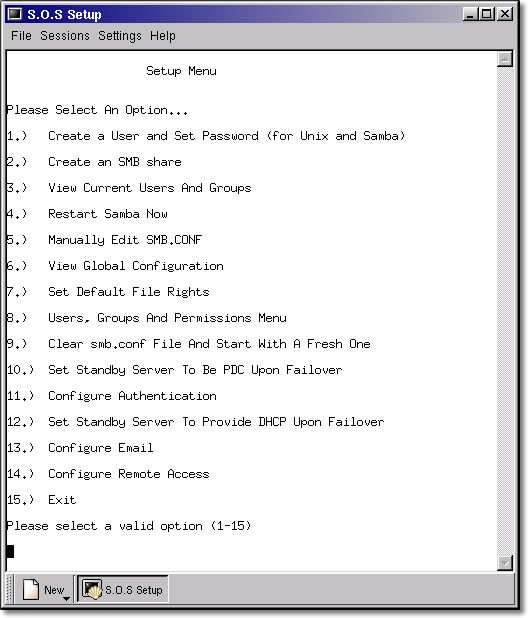
SOS Standby Set-up Menu
|
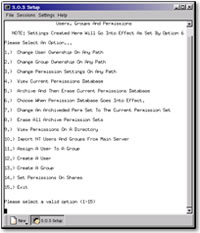
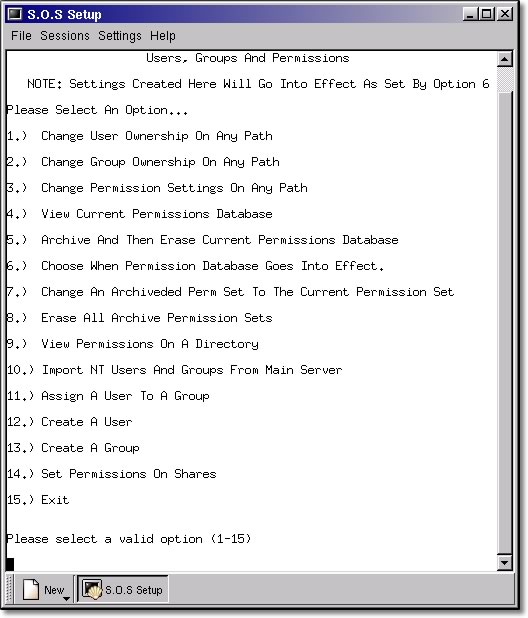
SOS Standby Set-up Menu, User Groups
|
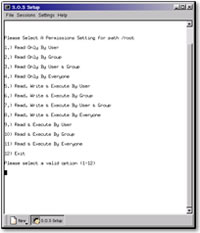
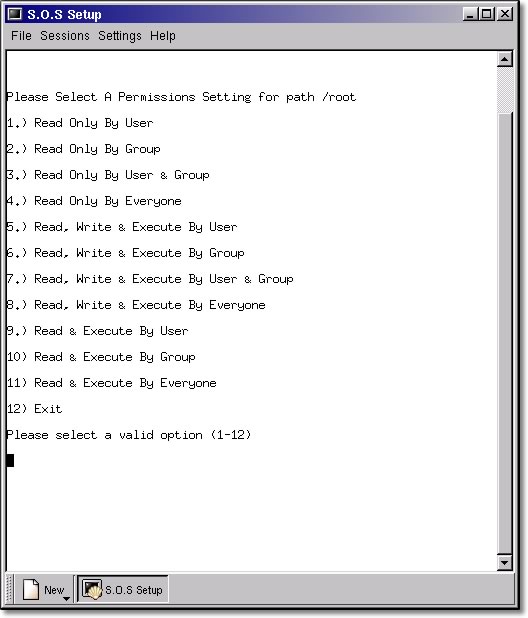
SOS Standby Permission Settings
|
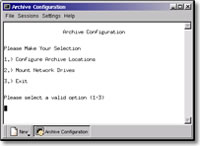
SOS Report
|
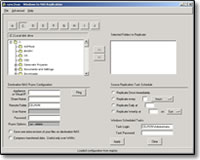
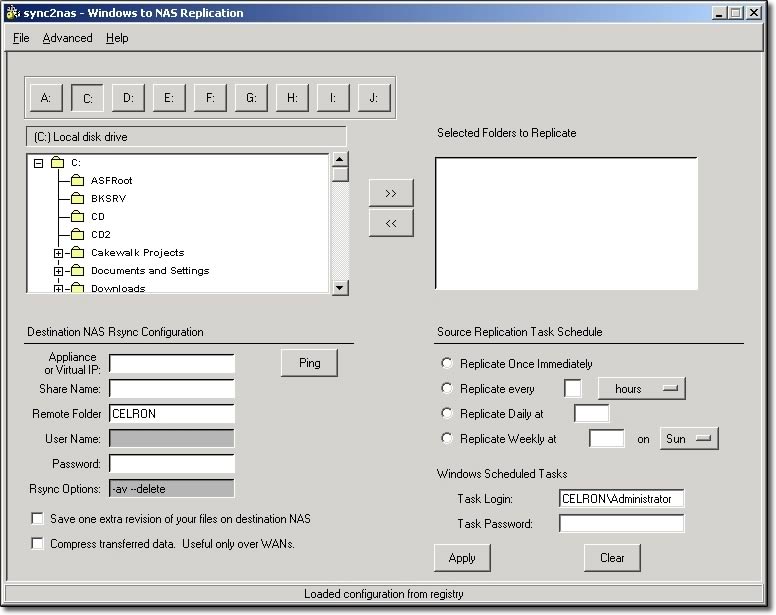
Synchronize to NAS
|
|
|
|